Microsoft Clip Art & Media Help Microsoft Publisher Help Mary Sauer mary.sauer@gmail.com
Fraction font
Your file (Reggie)
Organizational Chart for Publisher 2000
Booklet Picture PDF
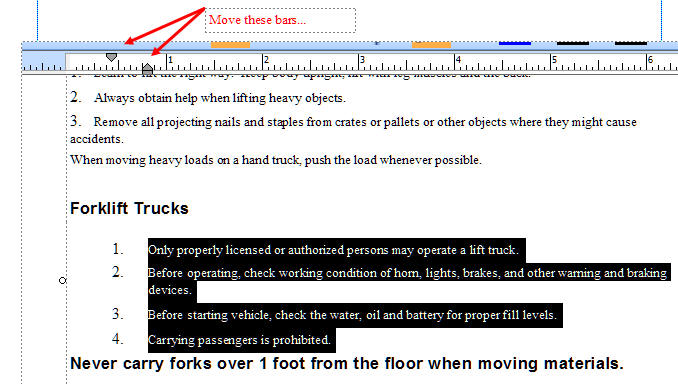
Appearance PDF
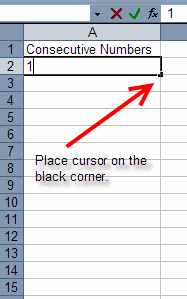
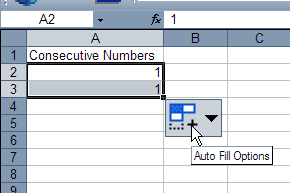
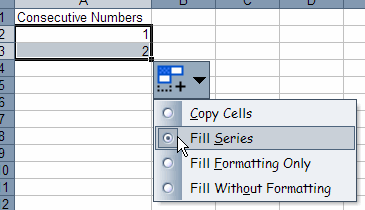
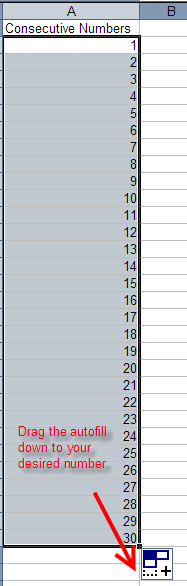
Creating a consecutive number field in Excel the quick, simple way.
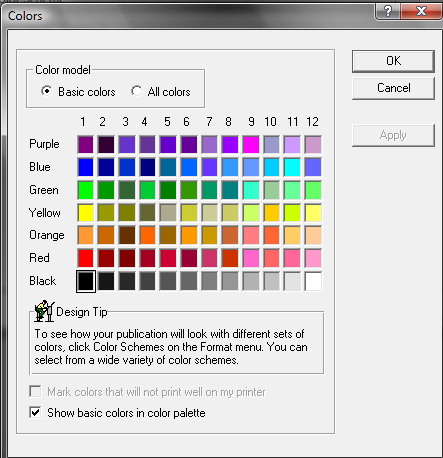
Publisher 98 color chart